Building manual
How to edit your tower
Everything here is edited in the CMS and on the canvas. No code, no plugins. One step per floor.
1
Add a floor
Open the CMS, choose Floors and click New item. Fill in Title, Floor (the number on the lift), Kind and Summary, then publish. The tower grows by one storey, and the lift buttons and floor pages update on their own.
2
Pick a room
Choose Room from the dropdown. There are ten rooms, each with its own furniture and little people at work. They animate by themselves.


Design studio


Code lab


Coffee bar


Gallery


Workshop

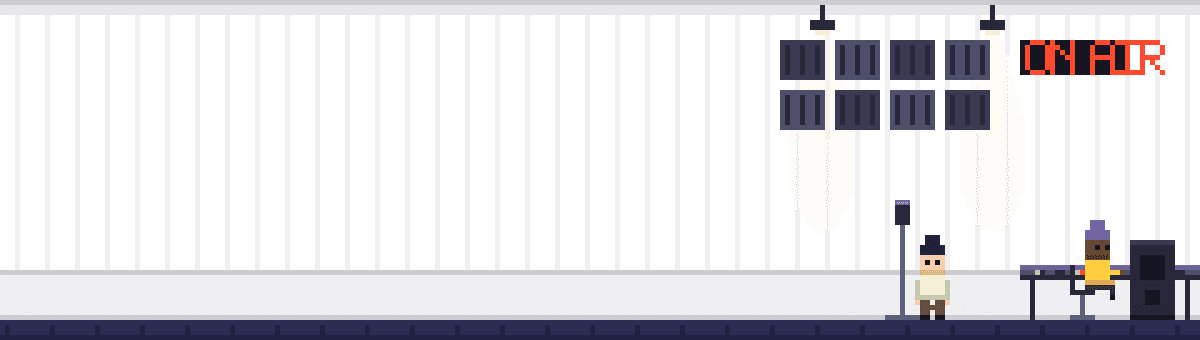

Sound booth


Library


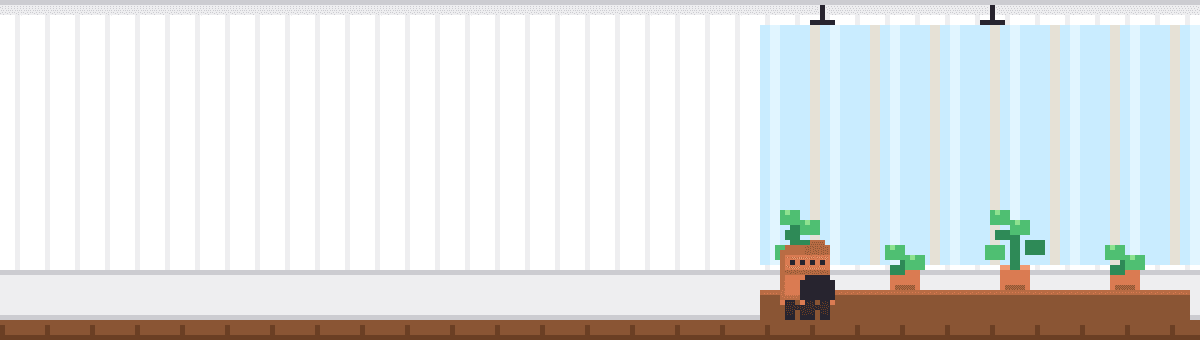
Greenhouse
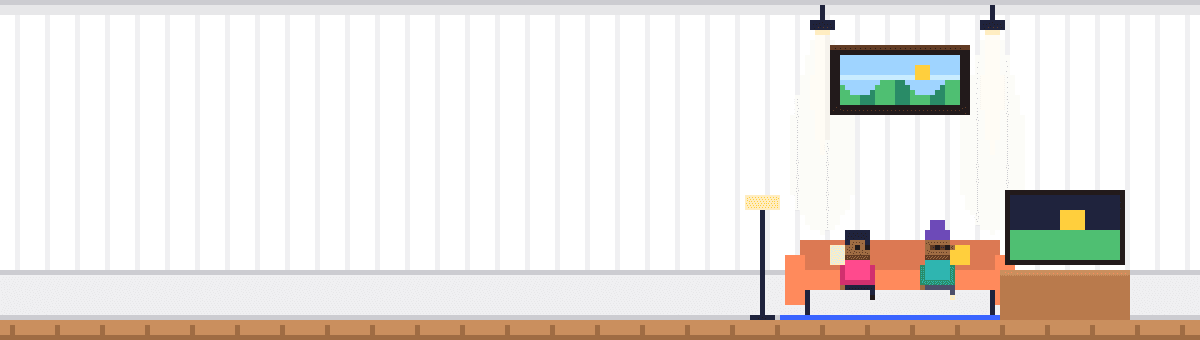

Lounge


Mail room
3
Pick a wall colour
Wall colour takes any colour you like. The art is see-through where the wall is, so wallpaper, shadows and lamp light adapt to your colour.
Mint #A6E8C8
Sky #A9D9FF
Butter #FFE79A
Lilac #CBBCFF
Coral #FFAAA0
Peach #FFC9A8
Sage #C8DCAE
Night #4B4F86
4
Order the floors
Floors sort by their Floor number, highest at the top. Leave gaps (10, 20, 30) if you like to reorder later without renumbering.
5
Write the case study
Every floor has its own page. Fill in Cover, Role, Year, Result and Story. The page shows your room at the top and links to the floors above and below.
6
Change the roof sign
On Home, select Hero, then Roof sign, and type your name. Under 16 characters keeps it on one line on phones.
7
Make the avatar you
The avatar is two images, standing and waving, in the penthouse and in the lift car. Swap them for your own 9 by 16 pixel sprite, or keep Pim.
8
Tenants, tools and notes
Testimonials live in the Tenants collection, the storeroom crates in Tools and the noticeboard in Journal. Same idea: add an item, it appears.
9
Calm it down
All motion is plain CSS and switches off for visitors who prefer reduced motion. To stop one animation, clear that layer’s code override.
Building directory
Where everything lives
Floors
CMS › Floors
Title, number, room, wall colour, case study
Roof sign
Home › Hero › Roof sign
Your name, lit on the roof
Speech bubble
Home › Hero › Penthouse
Your greeting
Stats
Home › Hero › Stats row
Three numbers and labels
Crane load
Home › Hero › Roof › Crane load
The next-floor offer and its link
Tenants
CMS › Tenants
Quotes, names and pixel portraits
Storeroom
CMS › Tools
Methods and tools, grouped by shelf
Noticeboard
CMS › Journal
Notes with tags, dates and bodies
Colours
Assets › Colours
Ink, Paper, Signal, Bulb and the building greys
Type
Assets › Text styles
Sign, headings, body, labels, pixel numbers